

Dynamic Volumetric Sky
One Blueprint, full day/night cycle, ten weather states with smooth transitions, volumetric clouds and fog, an exposed weather/clock UI, indoor/outdoor occlusion handling, and one-click cinematic rendering.
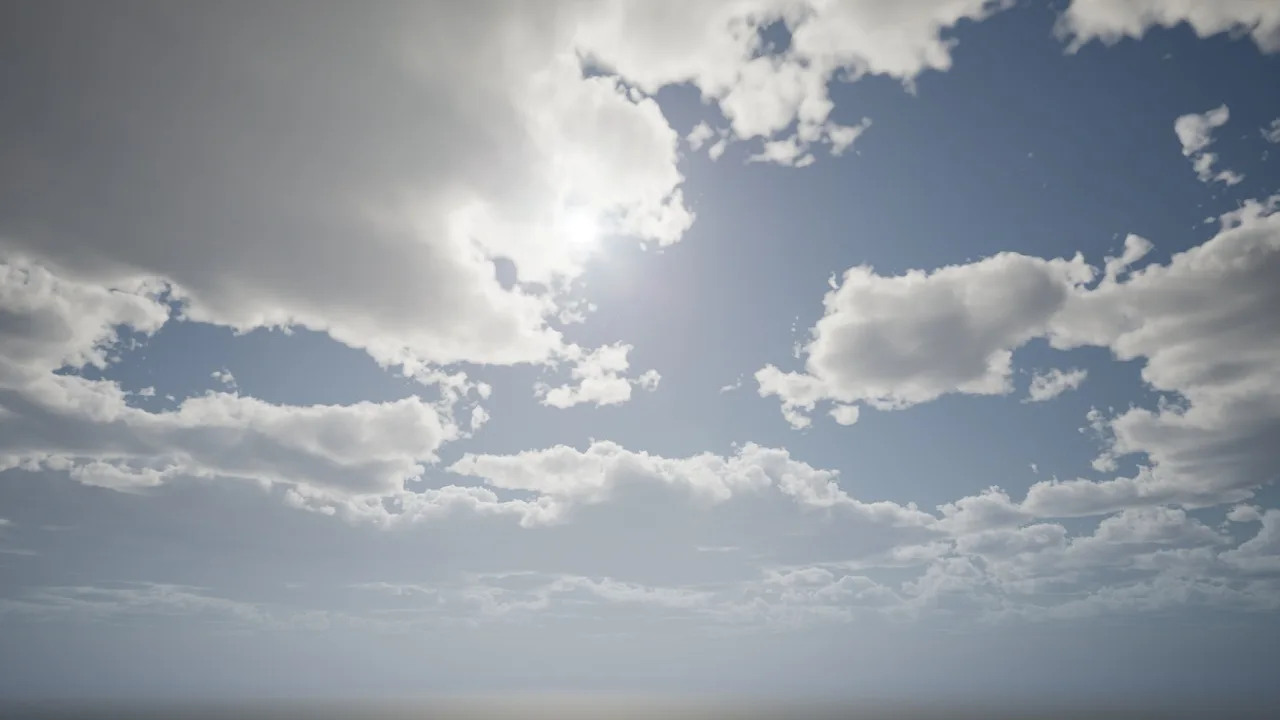
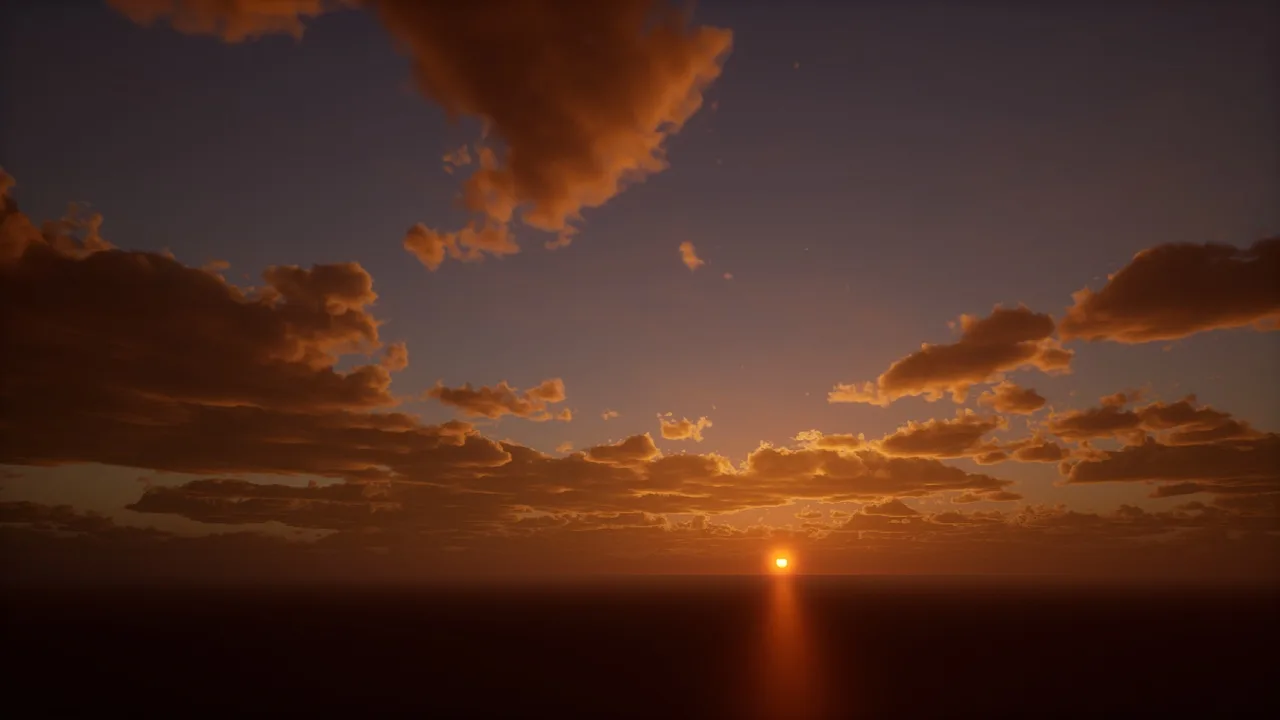
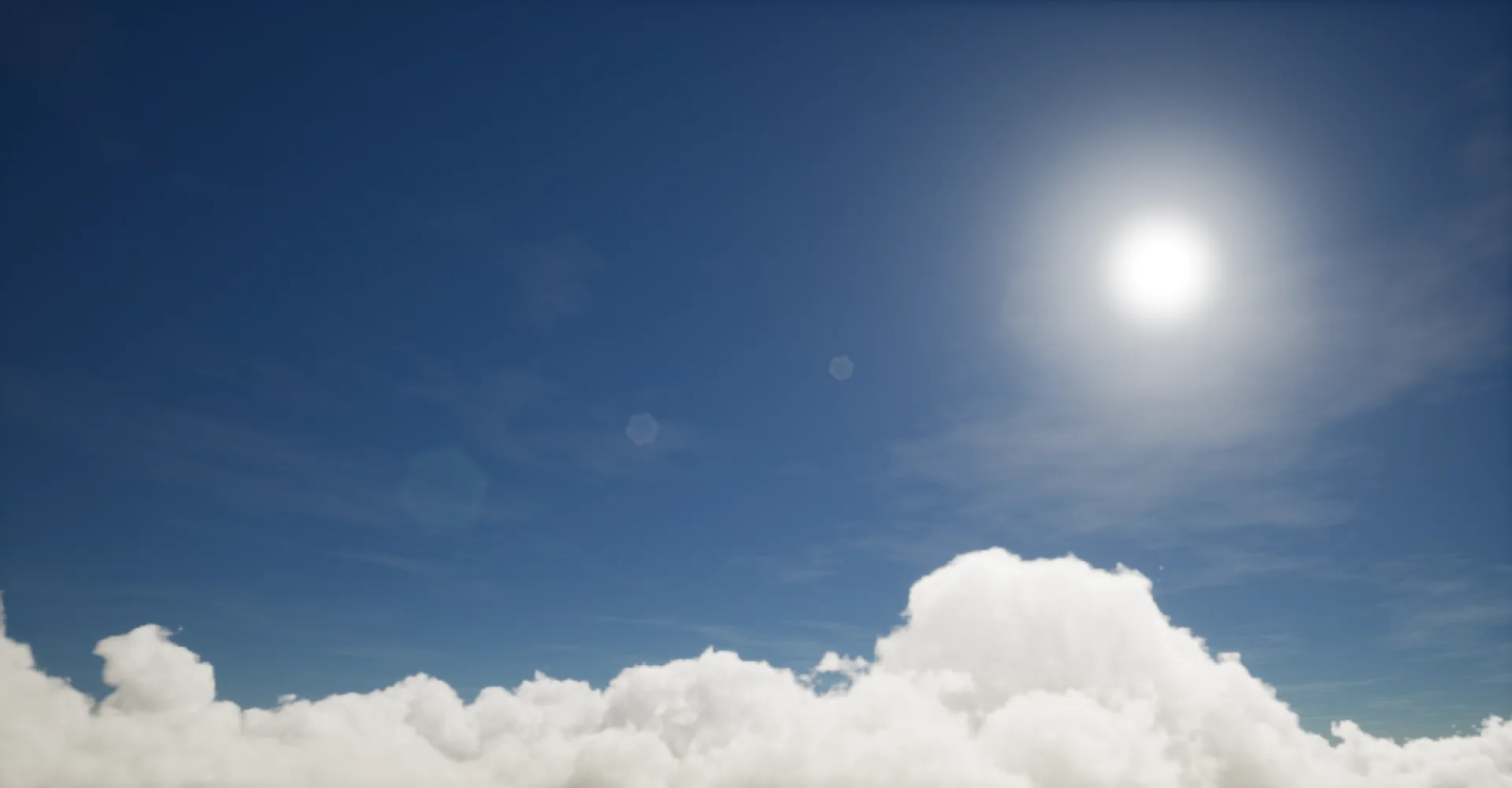
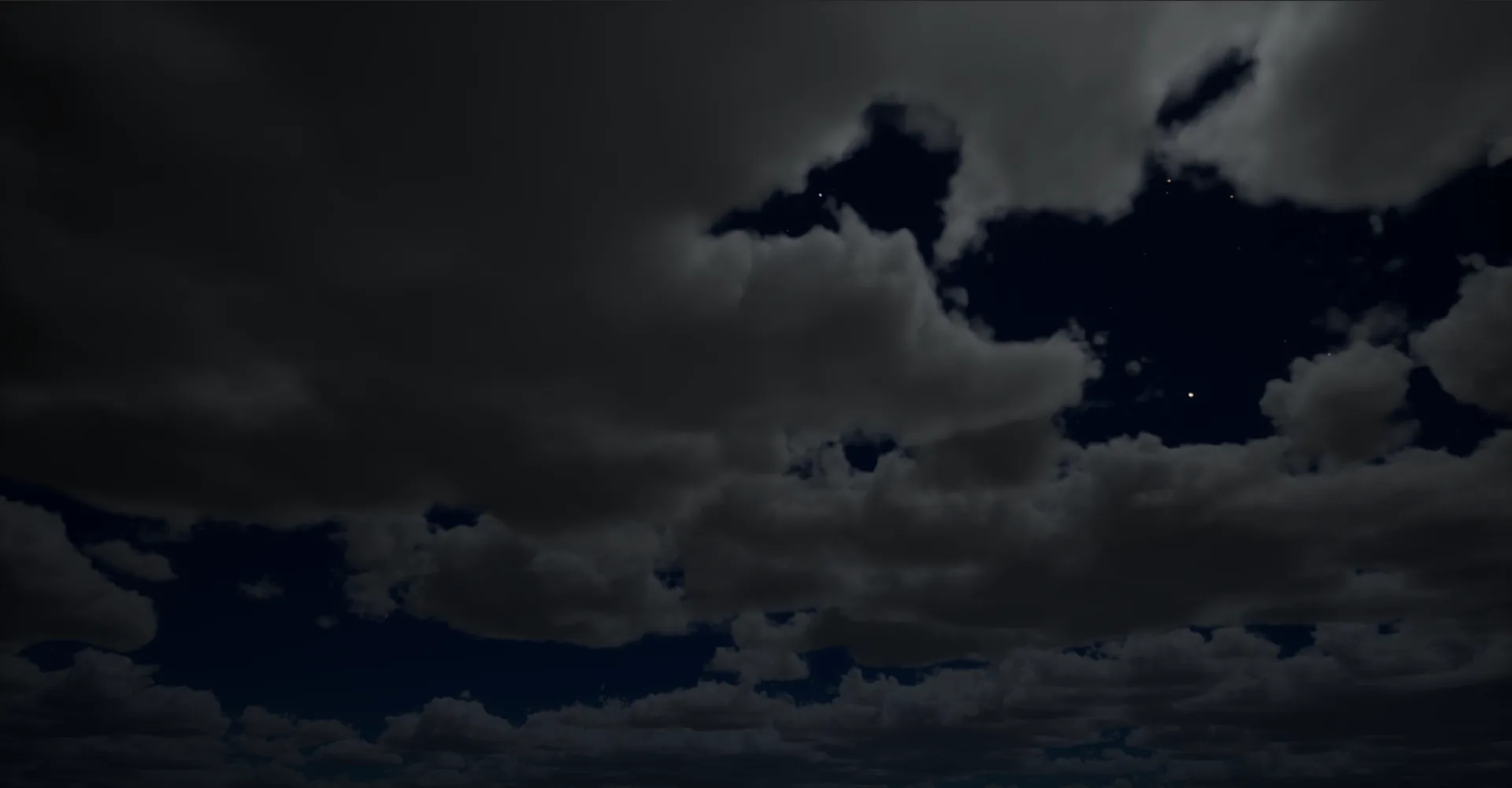
Overview
Section titled “Overview”Dynamic Volumetric Sky (DVS) is a complete sky, weather, and lighting framework for Unreal Engine. Drop a single Blueprint into a level and you get a full day/night cycle, ten weather states with smooth transitions, volumetric clouds and fog, an exposed weather/clock UI, automatic indoor occlusion, and one-click cinematic rendering through Movie Render Queue.
The system is designed for level designers and environment artists who want to use a coherent sky simulation without wiring atmosphere, fog, lighting, and weather actors together by hand. Time, weather, sun, moon, stars, clouds, and fog are all driven from one actor, with a shared notion of geographic location, biome, and four lighting periods (Sunrise, Noon, Sunset, Night) that the system blends between automatically.
What DVS gives you
Section titled “What DVS gives you”- One actor, one source of truth: time, weather, lighting, and atmosphere all driven by
BP_DynamicVolumetricSky. - Full day/night cycle with configurable time speed, calendar (day, month, year), and time zone.
- Ten weather states: Clear Sky, Partially Cloudy, Cloudy, Overcast, Foggy, Light Rain, Moderate Rain, Windy, Light Snow, Moderate Snow, with smooth transitions and a configurable mix.
- Geographic placement (latitude, longitude, altitude, north offset) and seven terrestrial biomes that bias temperature, humidity, and weather frequency.
- Volumetric clouds with a fly-through option for aerial games and a cheap sky-dome path for ground-only games.
- Volumetric fog with sun shafts, sky-light scattering, and configurable extinction.
- Sun, sky light, moon (with automatic phases), and stars, each with per-period intensity and shadow controls.
- Per-period exposure, bloom, and lens flare, blended automatically across Sunrise, Noon, Sunset, and Night.
- Auto-occlusion for indoor/outdoor transitions, replicated for multiplayer, with per-environment lighting overrides.
- Camera-lens rain effect through a built-in post-process material.
- Material Functions for snow, snow-and-rain, grass wind, bush wind, and 2D horizon clouds, so any custom material can react to weather without rewiring its shader graph.
- A ready-to-use HUD widget (
WBP_DynamicVolumetricSky) with three draggable, resizable sub-windows for Time, Weather, and Location. - One-click cinematic rendering through
BP_DVSMovieRenderQueue, with array-driven format and pass selection. - Configurable units for temperature (°C, K, °F), pressure (hPa, Psi, Atm), and wind speed (km/h, mph, m/s, ft/s).
- Three runtime modes (Single Player, Multiplayer, Sequencer) so the same setup works for shipping games and deterministic renders.
- Custom-actor override hooks for projects that already drive their own directional, sky, or fog lights.
Documentation
Section titled “Documentation”Get started
- Quick Start: five minutes from drag-in to a running sky
Concepts (the why and when)
- System architecture: one actor, three runtime modes, and how the parts hang together
- Periods and blending: why the system thinks in four key poses, not a curve
- Weather states: the ten states, what drives transitions, and rain vs snow selection
- Indoor occlusion: how the system detects “covered” and swaps to interior lighting
Guides (the how)
- Cinematic workflow: rendering deterministic frames through Movie Render Queue
- Reactive materials: hooking your own materials into snow, rain, and wind
- In-game UI: adding the Time / Weather / Location HUD
- Performance tuning: the fastest knobs to turn when the sky is too heavy
- Component replacement (advanced): driving your own directional, sky, or fog actors
Reference (the what)
- Time and date: every Time-category setting
- Location and weather: geographic placement, biomes, and weather behavior
- Exterior lighting: sky, sun, sky light, moon, stars, and post-process
- Clouds: quality, fly-through, altitude, tracing distances
- Fog and atmosphere: height fog, volumetric fog, volumetric sky
- Interior lighting: occlusion, interior overrides, exposure compensation
- Material functions: MF_Snow, MF_SnowandRain, MF_GrassWind, MF_BushWind, MF_2DClouds
- Asset locations: where every shipped asset lives in the content tree